
As an Amazon Associate I earn from qualifying purchases. If you buy through links in this article, we may earn a commission at no extra cost to you.
These are the 10 best drones for GIS mapping, chosen for what happens after the flight: clean georeferenced data that lands in ArcGIS, QGIS or a CAD package without a fight. Positioning accuracy leads the ranking, but coordinate discipline, camera geometry and export workflow matter nearly as much, because a GIS database remembers every sloppy capture for years, long after the flight is forgotten.
Short on time?
Start with these three picks
The RTK flagship, the compact standard and the 3D capture specialist: three ways into professional GIS data.
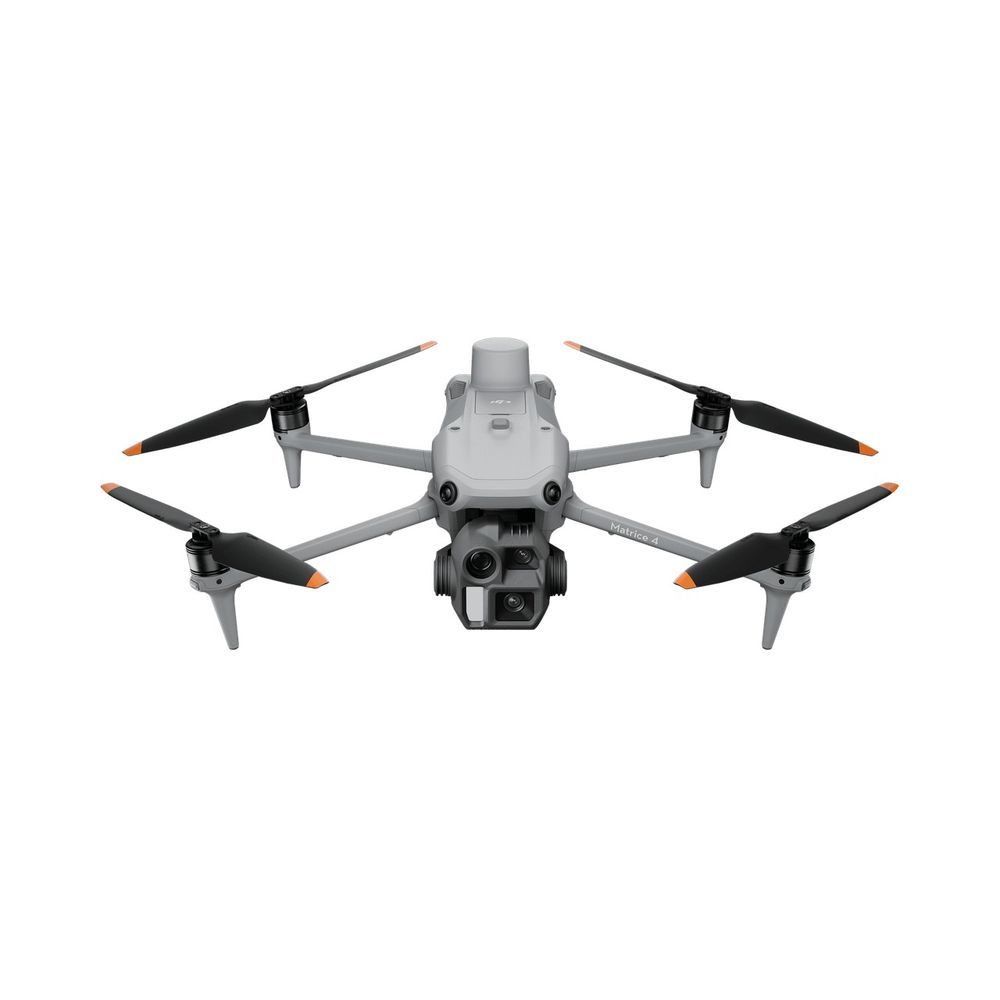
DJI Matrice 4E
The fresh data engine: built-in RTK at 1 cm + 1 ppm, a mechanical shutter firing every 0.5 seconds, and imagery that drops into DJI Terra, ArcGIS or QGIS pipelines cleanly. Enterprise buying friction is the standing toll.
View on Amazon Read the full review ↓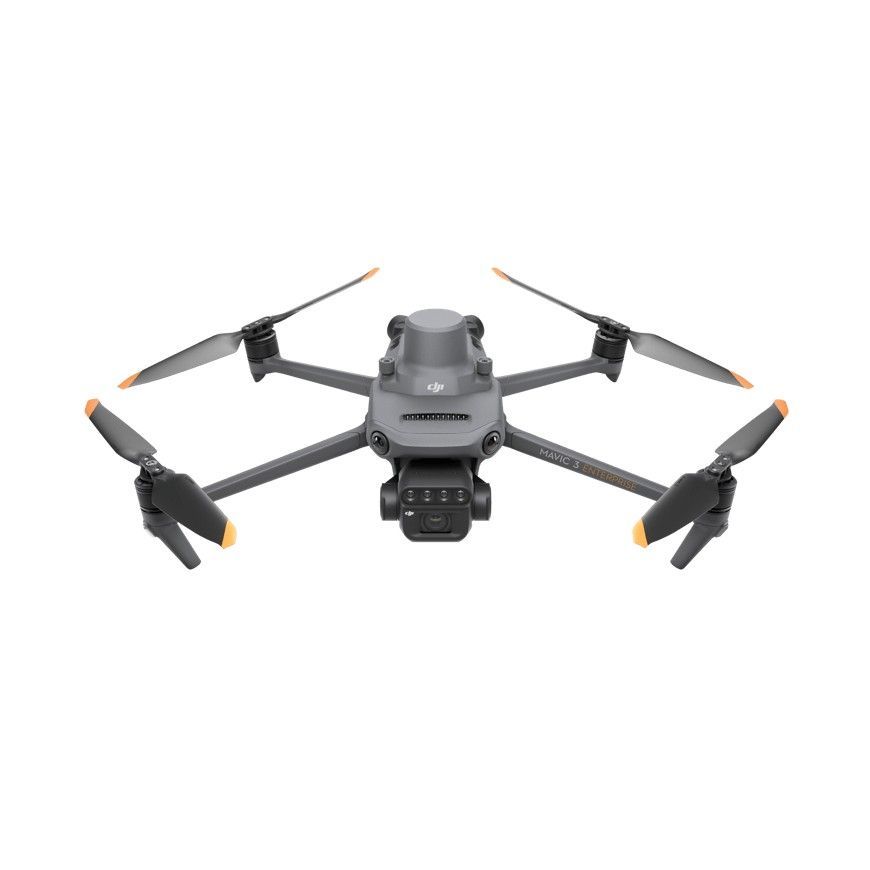
DJI Mavic 3 Enterprise
The GIS field kit standard: mechanical shutter, RTK module support and a processing ecosystem every contractor already knows, in 915 g. It is the aircraft most likely to match your existing SOPs on day one.
View on Amazon Read the full review ↓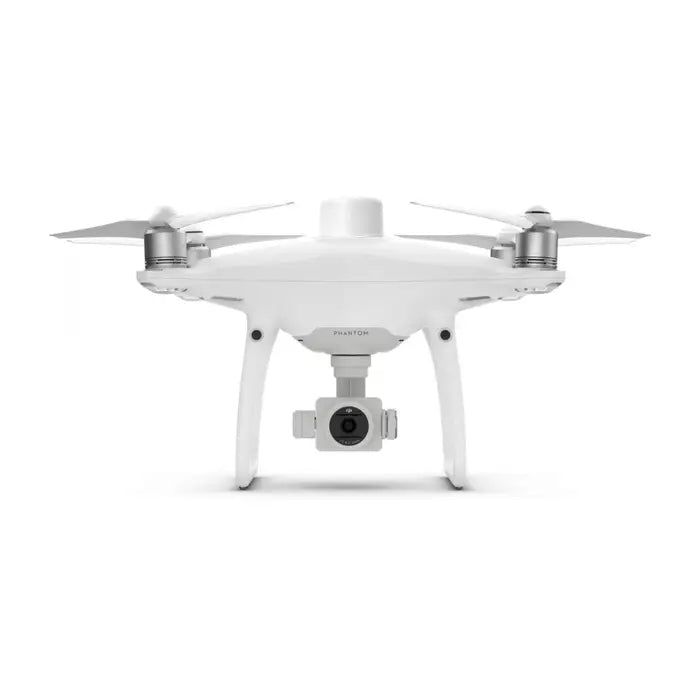
DJI Phantom 4 RTK
The georeferencing purist: TimeSync ties camera, controller and RTK clock together and writes calibration data into every file, the discipline GIS auditors love. Discontinued, methodical, and still a verification benchmark.
View on Amazon Read the full review ↓The shortlist
Compare all 10 at a glance
For GIS buying, read positioning method first, then camera, then how the outputs reach your software. The table keeps that order.
| Product / award | Best fit | Key decision point | Check current offer |
|---|---|---|---|
| 01. DJI Matrice 4EBest overall for GIS | GIS departments and data programs | Database-ready capture; dealer channel | View on Amazon |
| 02. DJI Mavic 3 EnterpriseBest compact for GIS | Municipal and utility GIS teams | Ecosystem standard; RTK module extra | View on Amazon |
| 03. DJI Phantom 4 RTKBest for verification workflows | GIS quality assurance and training | Metadata discipline classic; discontinued | View on Amazon |
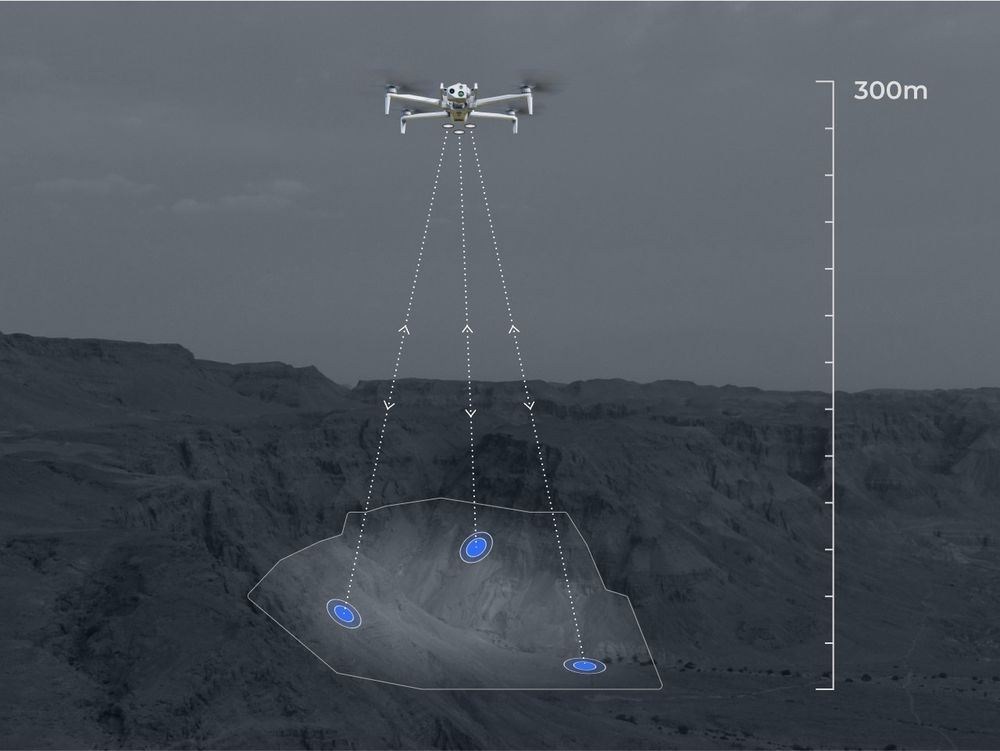 04. Skydio X10Best for 3D GIS models 04. Skydio X10Best for 3D GIS models | Utilities and industrial asset owners | 3D deliverables specialist; premium | View on Amazon |
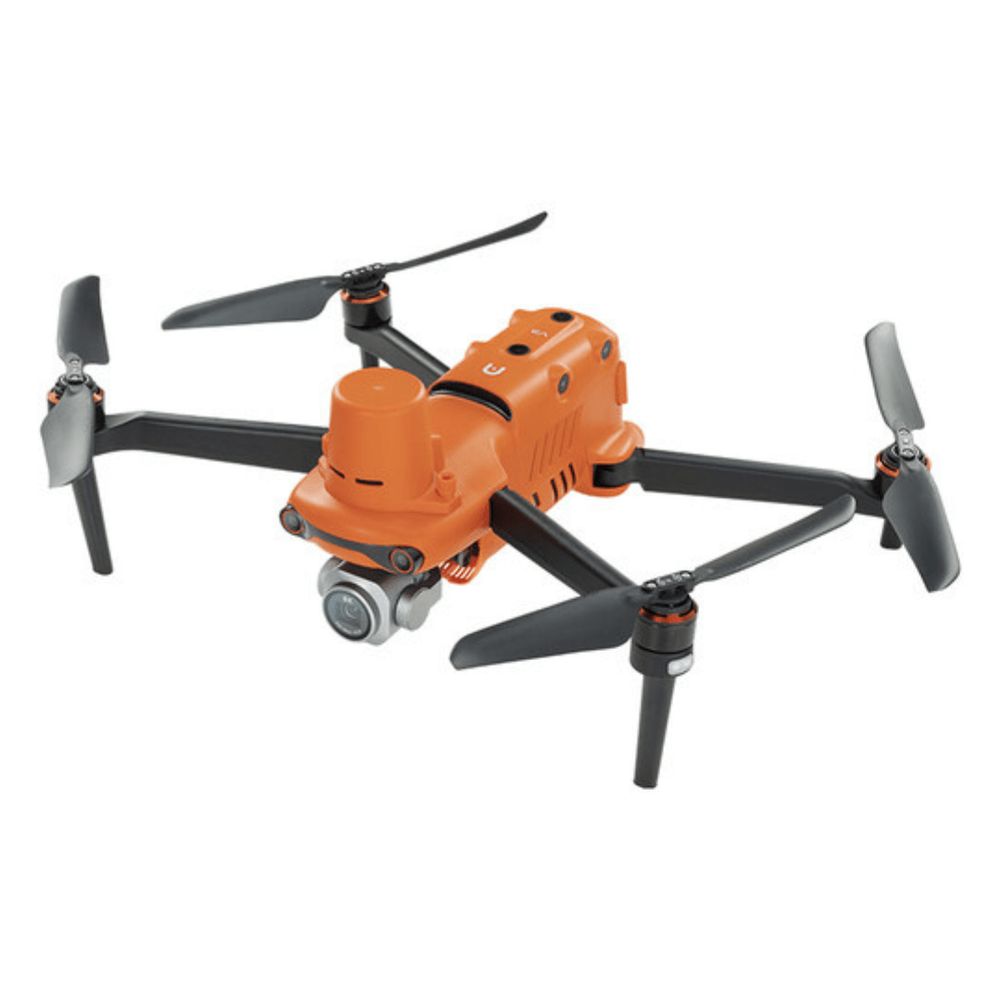 05. Autel EVO II Pro RTKBest non-DJI GIS option 05. Autel EVO II Pro RTKBest non-DJI GIS option | Agencies migrating off DJI fleets | Credible DJI-free data; thinner ecosystem | View on Amazon |
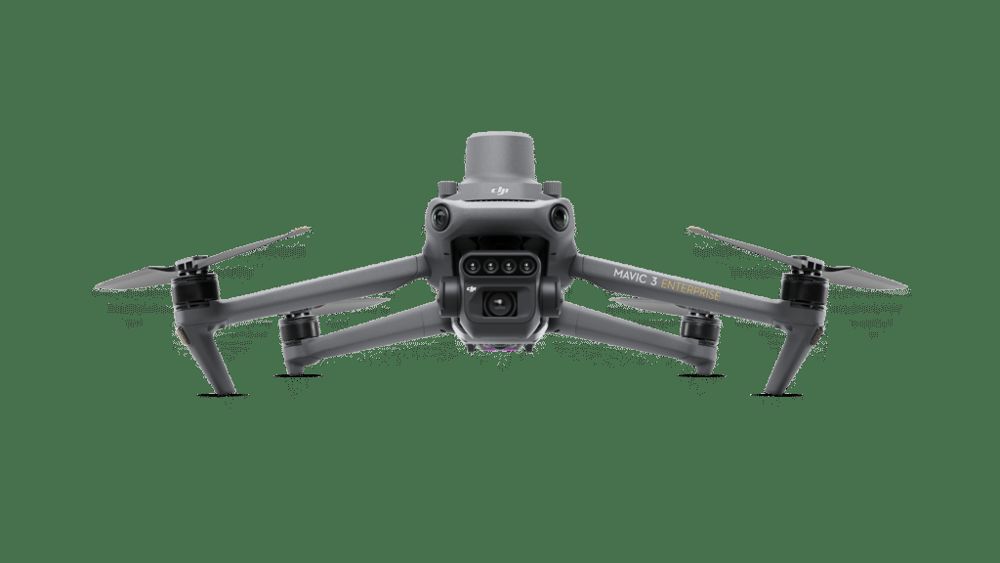 06. DJI Mavic 3 MultispectralBest for agricultural GIS 06. DJI Mavic 3 MultispectralBest for agricultural GIS | Agricultural GIS consultancies | Index-layer factory; ag specialty | View on Amazon |
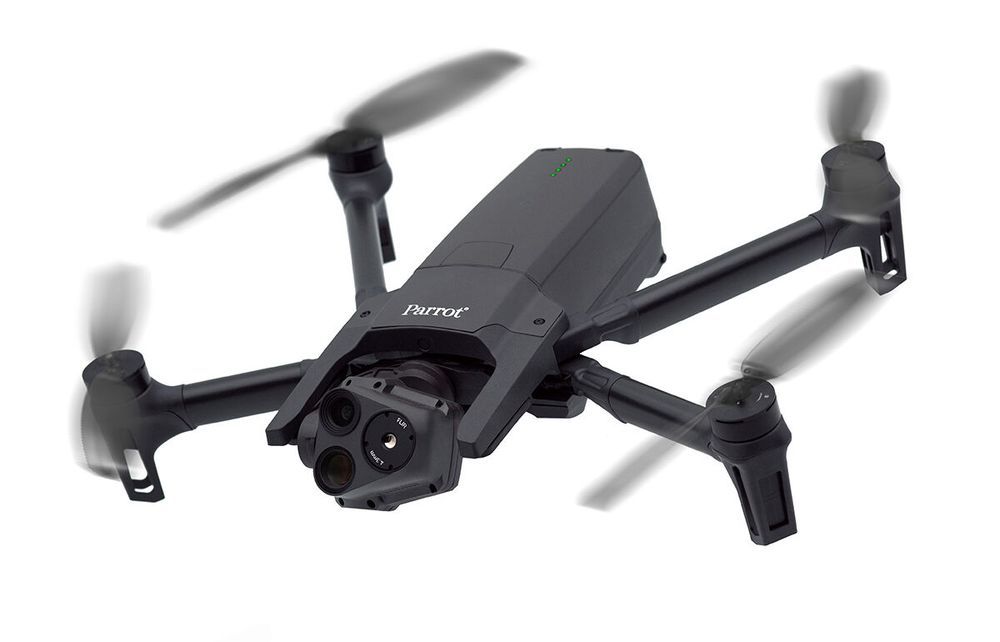 07. Parrot Anafi USABest for public-sector GIS 07. Parrot Anafi USABest for public-sector GIS | Cities, counties and utilities | Procurement-friendly; GCP-dependent accuracy | View on Amazon |
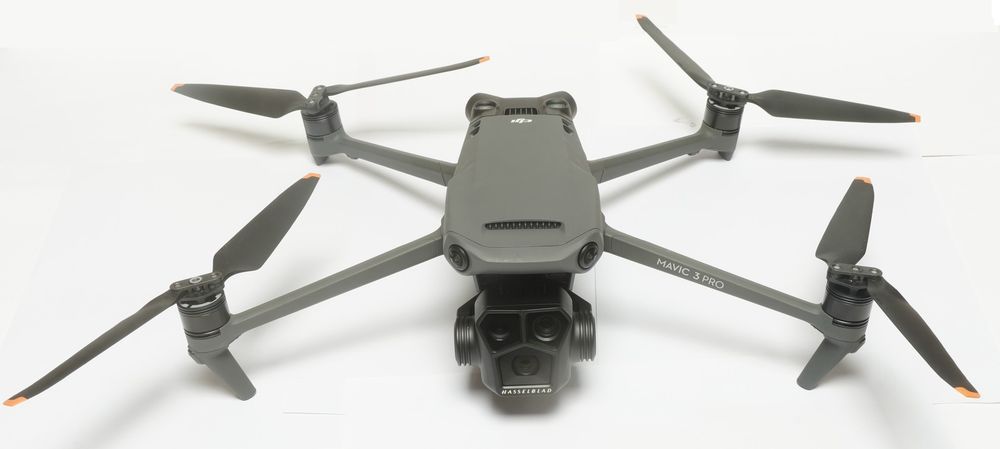 08. DJI Mavic 3 ProBest prosumer GIS entry 08. DJI Mavic 3 ProBest prosumer GIS entry | Small GIS teams and departments | Freshness keeper; GCP accuracy | View on Amazon |
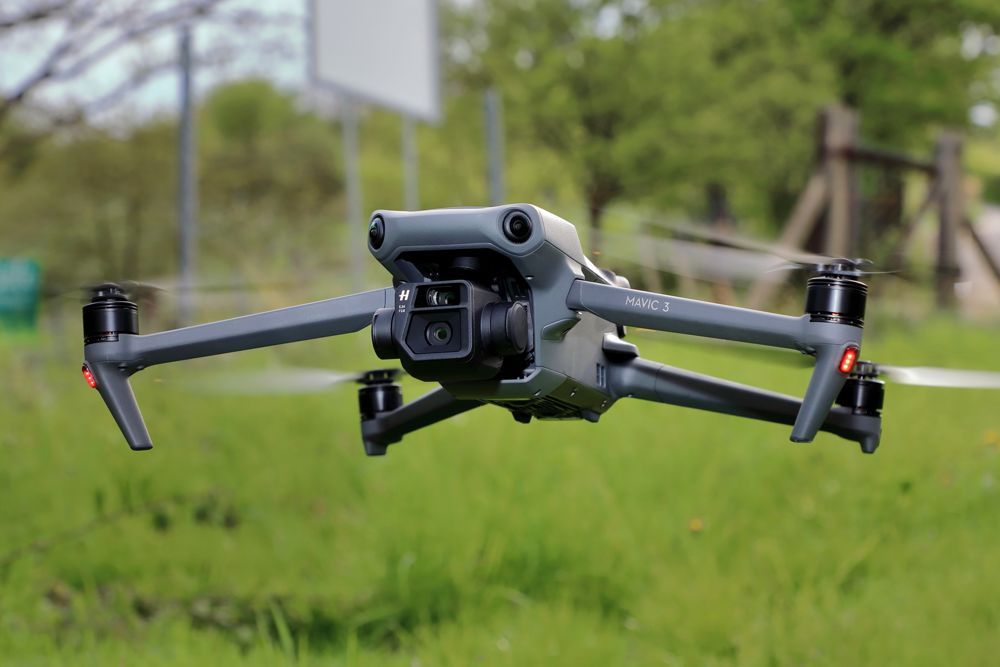 09. DJI Mavic 3Best value GCP workhorse 09. DJI Mavic 3Best value GCP workhorse | Budget GIS consultancies | Big-sensor value; GCP discipline required | View on Amazon |
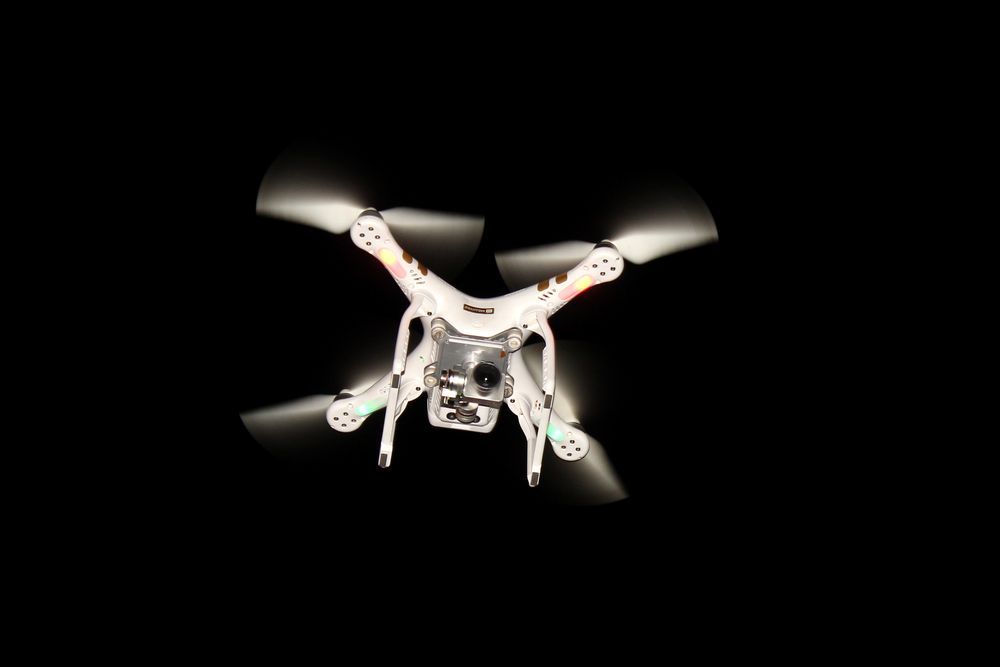 10. DJI Phantom 4Best starter GIS aircraft 10. DJI Phantom 4Best starter GIS aircraft | Training programs and new GIS teams | The trainer; production ceiling is low | View on Amazon |
Look closer
Our 10 picks, explained
These picks come from desk research, not hands-on testing: we compared manufacturer spec sheets line by line, then cross-checked GIS practitioner feedback on processing pipelines and deliverable quality to see which aircraft produce database-ready data.
DJI Matrice 4E
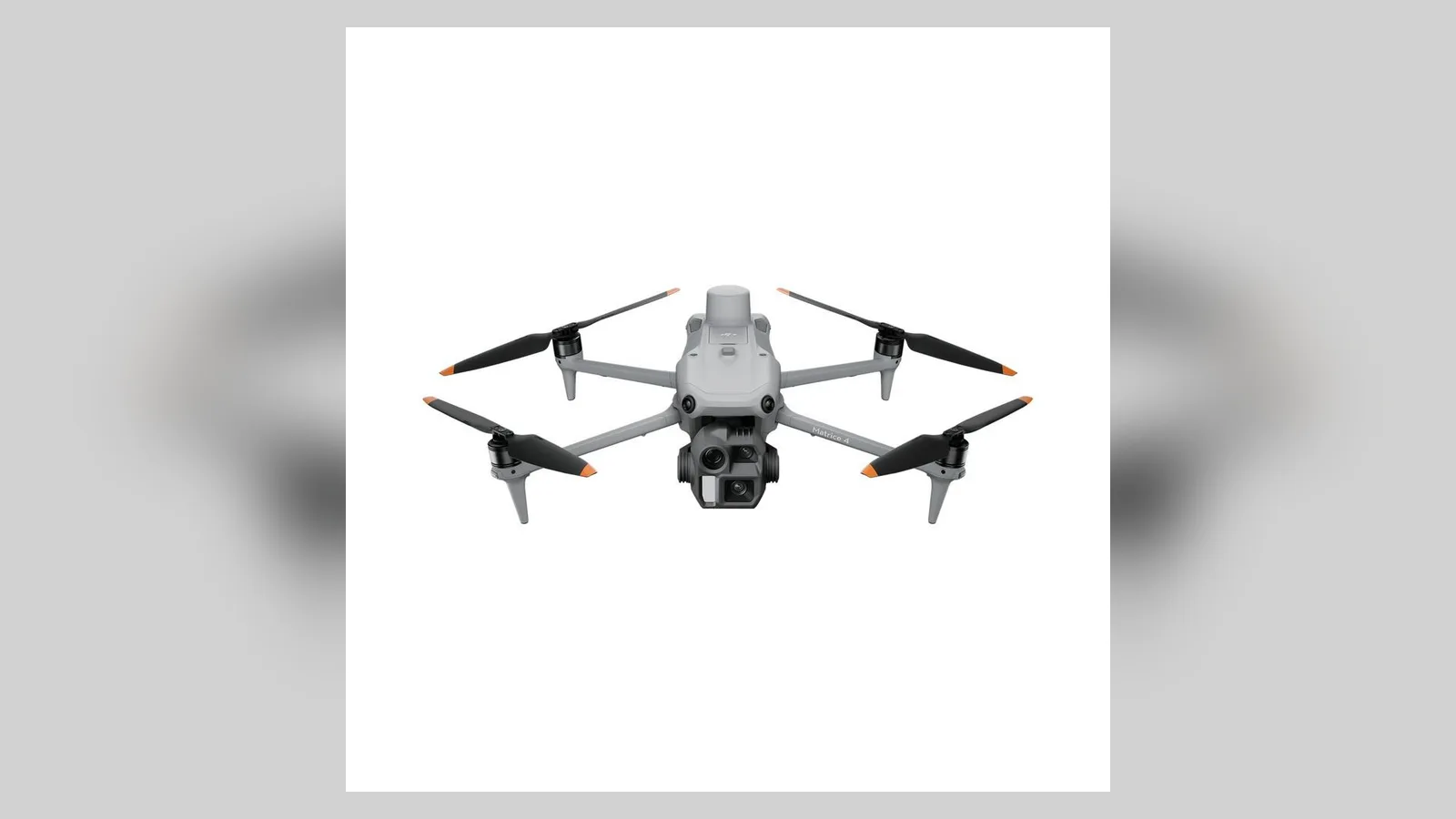
GIS databases are only as good as their capture discipline, and the 4E automates most of it. Built-in RTK writes centimeter positions into every image’s metadata from a base or network service, the 4/3-inch 20MP mechanical-shutter camera keeps geometry true at speed, and the 0.5 second capture interval means dense overlap without slow flight lines. Processed in DJI Terra, the output exports as orthomosaics, DSMs and point clouds in the standard formats (GeoTIFF, LAS) that ArcGIS Pro, QGIS and CAD packages ingest directly; third-party engines like Pix4D handle the same imagery equally well. Flight time is 49 minutes at 1,219 g. For organizations refreshing base data on a cycle, this is the current standard.
- Wide camera
- 4/3-inch CMOS, 20MP, mechanical shutter
- Flight time
- 49 min
- Positioning
- Built-in RTK, 1 cm + 1 ppm
Reasons to choose it
- Centimeter geotags written at capture
- Standard export formats for ArcGIS and QGIS
- Fast interval keeps field days short
Trade-offs to know
- Enterprise dealer channel only
- 1,219 g registration class
Choose this if: you maintain GIS base data and capture discipline is the priority.
Consider another option if: you want the same discipline in a backpack format, the Mavic 3 Enterprise is the compact standard.
DJI Mavic 3 Enterprise
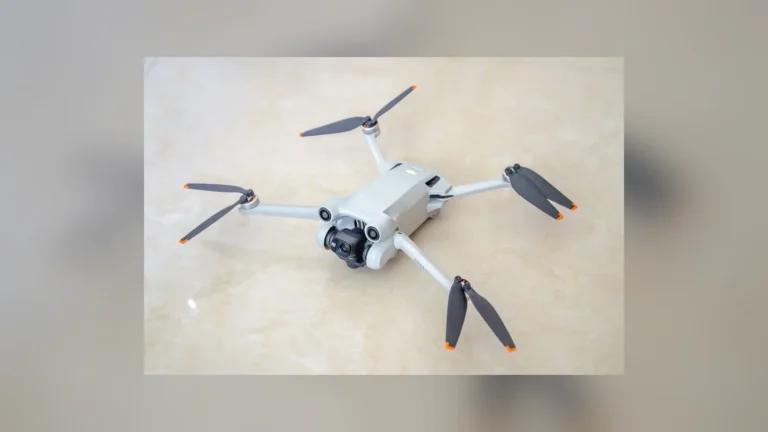
GIS teams inherit each other’s data, so the safest aircraft is the one whose outputs everyone already handles. The Mavic 3 Enterprise’s 4/3-inch 20MP mechanical-shutter camera produces geometrically reliable imagery, the RTK module adds centimeter georeferencing for control-light work, and its files flow into Terra, Pix4D, DroneDeploy and open pipelines without conversion drama. At 915 g with 45 minute flights, one operator can keep a municipal or utility dataset current on a weekly rhythm: boundaries, assets, encroachments, change detection. The 12MP telephoto documents assets for the attribute table while the wide camera maps them. It is rarely the exciting purchase; it is very often the correct one.
- Wide camera
- 4/3-inch CMOS, 20MP, mechanical shutter
- Flight time
- 45 min
- Positioning
- RTK module for centimeter accuracy
Reasons to choose it
- Outputs every GIS pipeline already accepts
- Centimeter accuracy with the RTK module
- Weekly-update practicality at 915 g
Trade-offs to know
- RTK module is a separate purchase
- Capture pace trails the Matrice line
Choose this if: you run recurring GIS updates and value SOP compatibility.
Consider another option if: you are standing up a new high-volume program, the Matrice 4E captures faster.
DJI Phantom 4 RTK
Ask a GIS manager what breaks datasets and the answer is rarely the camera; it is sloppy georeferencing discovered years later. The Phantom 4 RTK attacked exactly that: its TimeSync system aligns the flight controller, camera and RTK receiver to one clock, positions are recorded to 1 cm + 1 ppm, and lens calibration parameters are written into each image’s metadata, so processing software starts from truth instead of estimates. DJI quotes 5 cm absolute horizontal accuracy at 100 m, verifiable against your own control network. The airframe is discontinued, the 1-inch 20MP mechanical-shutter camera is yesterday’s specification, and flight time is about 30 minutes. For teaching rigorous workflow, auditing contractor data or running a dedicated verification aircraft, it remains a genuinely professional tool.
- Camera
- 1-inch CMOS, 20MP, mechanical shutter
- RTK accuracy
- 1 cm + 1 ppm horizontal
- Flight time
- About 30 min
Reasons to choose it
- Auditable, calibration-rich metadata
- Proven 5 cm class absolute accuracy
- Ideal verification and training aircraft
Trade-offs to know
- Discontinued with legacy support
- Yesterday’s sensor specification
Choose this if: georeferencing rigor and audit trails matter more than new features.
Consider another option if: you want this discipline in a current model, the Matrice 4E is the modern route.
Skydio X10
Flat orthomosaics stop answering questions when the assets go vertical: towers, stacks, dams, treatment plants. The X10’s six navigation cameras let it orbit structures closely and consistently, and Skydio’s 3D Scan workflow automates the capture patterns that produce dense, reconstruction-grade imagery, including undersides that nadir grids never see. Outputs process into textured meshes and point clouds that load into ArcGIS and digital twin platforms for measurement and change tracking. Visual capture runs through a 64MP narrow camera and 48MP tele, flight time is 40 minutes, and the IP55 airframe is built for industrial sites at about 2.11 kg. It is a fleet purchase, not a hobbyist one, aimed at organizations whose GIS is becoming a twin.
- Cameras
- 64MP narrow, 48MP tele
- Flight time
- 40 min
- Airframe
- IP55 rated, about 2.11 kg
Reasons to choose it
- Automated 3D capture around structures
- Meshes and point clouds for twin platforms
- Industrial sealing and autonomy
Trade-offs to know
- Premium fleet pricing
- Overkill for flat 2D parcel updates
Choose this if: your GIS is adding 3D assets and digital twins.
Consider another option if: your deliverables are 2D layers and updates, the Matrice 4E serves them faster.
Autel EVO II Pro RTK
Some organizations are moving their fleets off DJI for policy reasons, and GIS is where that move hurts most, because workflows ossify. The EVO II Pro RTK eases it: the snap-on module delivers 1 cm + 1 ppm horizontal and 1.5 cm + 1 ppm vertical positioning, records PPK data for post-processing where live corrections fail, and fixes in about three minutes. Autel Explorer plans grid and polygon missions and resumes multi-battery jobs, and the output imagery processes in Pix4D, DroneDeploy and open tools like any other set, landing in your GIS as standard GeoTIFF and vector exports. The camera is the 1-inch 20MP unit with 6K video for asset documentation. There is no mechanical shutter, so mapping speeds need discipline.
- Camera
- 1-inch CMOS, 20MP, 6K video
- RTK accuracy
- 1 cm + 1 ppm horizontal
- Flight time
- 38 min
Reasons to choose it
- RTK plus PPK fallback in one module
- Pipeline-compatible standard outputs
- No geofencing database in the workflow
Trade-offs to know
- No mechanical shutter
- Smaller GIS community and plugin ecosystem
Choose this if: your organization is standardizing on non-DJI aircraft for GIS.
Consider another option if: ecosystem depth matters more than vendor policy, the Mavic 3 Enterprise is the safer standard.
DJI Mavic 3 Multispectral
In a GIS, crop health is a raster layer like any other, except it changes weekly. The Mavic 3 Multispectral captures it rigorously: a 20MP RGB camera for the base map, four 5MP bands (green, red, red edge, near-infrared) for NDVI and NDRE indices, a sunlight sensor recording irradiance so values compare across dates, and RTK support aligning repeat captures to the same parcels. The index rasters export as GeoTIFFs that stack in ArcGIS or QGIS beside soils, boundaries and yield data, feeding zoning, variable-rate prescriptions and multi-season trend analysis. Flight time is 43 minutes. For consultancies serving agriculture, this aircraft is less a drone purchase than a data product factory.
- Sensors
- 20MP RGB plus 4 multispectral bands
- Flight time
- 43 min
- Positioning
- RTK supported, sunlight sensor fitted
Reasons to choose it
- Index rasters that stack with soils and yield layers
- Sunlight calibration for trend analysis
- RTK alignment across the season
Trade-offs to know
- Narrow agricultural specialty
- 5MP per multispectral band
Choose this if: your GIS deliverables include crop and land health layers.
Consider another option if: you need terrain and asset layers only, the Mavic 3 Enterprise covers them.
Parrot Anafi USA
For cities, counties and utilities, the deliverable is not just data; it is data a procurement process can defend. The Anafi USA is assembled in the US, sits on government approved lists, and collects three GIS-friendly layers per flight: a 21MP mapping camera for planning-grade orthomosaics, a 32x zoom for asset inventories, and a FLIR Boson thermal camera (320×256) for energy, water and infrastructure layers. Processed through Pix4D with surveyed ground control, its accuracy serves planning, volumetrics and asset records honestly; without control, treat positions as meter-class and say so in the metadata. Flight time is 32 minutes. In restricted fleets, this is often the only aircraft on the list that can be bought at all, which settles many arguments.
- Takeoff weight
- 500 g
- Thermal camera
- FLIR Boson 320×256
- Flight time
- 32 min
Reasons to choose it
- Approved provenance for public procurement
- Three data layers in one sortie
- 500 g portability for field crews
Trade-offs to know
- GPS-class georeferencing without ground control
- Modest wind tolerance for exposed sites
Choose this if: you collect GIS data under public-sector vendor rules.
Consider another option if: you need centimeter data without GCP fieldwork, the EVO II Pro RTK builds it in.
DJI Mavic 3 Pro
GIS datasets decay: buildings change, roads move, vegetation creeps. The Mavic 3 Pro is the affordable way to slow that decay. Its 4/3-inch 20MP camera shoots imagery detailed enough for change detection and visual verification layers, waypoint flights repeat the same coverage on a schedule, and with a small set of ground control points its orthomosaics sit accurately enough for planning overlays and public-facing web maps. Flight time is 43 minutes, and the 70mm and 166mm telephotos document assets for attribute records without extra site visits. The ceiling is positioning: GPS-only geotags mean absolute accuracy is only ever as good as your control work, so publish accuracy honestly alongside the layer.
- Main camera
- 4/3-inch CMOS, 20MP
- Flight time
- 43 min
- Positioning
- GPS only, use ground control points
Reasons to choose it
- Detailed imagery for change detection
- Scheduled repeat coverage via waypoints
- Telephotos document assets for records
Trade-offs to know
- GPS-only georeferencing
- Accuracy statements must rest on your GCPs
Choose this if: you need update flights and visual layers on a prosumer budget.
Consider another option if: your layers carry legal or engineering weight, the Mavic 3 Enterprise with RTK is the step.
DJI Mavic 3
Strip away the Pro’s extra telephoto and the base Mavic 3 keeps the GIS-relevant core: the 4/3-inch 20MP Hasselblad camera with a mechanical shutter, so flight lines stay geometrically clean, and the line’s best endurance at 46 minutes. For update mapping, volumetrics and planning layers, flown with surveyed ground control and processed in any standard engine, its deliverables are genuinely hard to distinguish from the Pro’s. Positioning is GPS-only, the telephoto is the weaker 162mm unit shared with the original release, and DJI’s attention has moved to newer models, which is exactly why pricing is friendly. For a small consultancy building a GIS service on a budget, this is the pragmatic foundation aircraft: buy control equipment with the savings.
- Main camera
- 4/3-inch CMOS, 20MP, mechanical shutter
- Flight time
- 46 min
- Positioning
- GPS only, use ground control points
Reasons to choose it
- Big-sensor data at friendly pricing
- Line-best 46 minute endurance
- Mechanical shutter keeps geometry clean
Trade-offs to know
- GPS-only positioning
- Older model, DJI focus has moved on
Choose this if: you are building a GIS service and ground control is already your habit.
Consider another option if: you want current-model support and triple cameras, the Mavic 3 Pro is the step up.
DJI Phantom 4
Every GIS drone program should start by learning how accuracy is actually made, and the Phantom 4 remains the cheapest honest teacher. Its 12MP 1/2.3-inch camera and 28 minute flights will not impress anyone in 2026, but paired with surveyed ground control it produces real orthomosaics, and the workflow it teaches (control placement, overlap discipline, checkpoint verification, honest metadata) is identical to the flagship workflow. Parts are everywhere, the used market is deep, and a crash is a lesson rather than a budget event. Positioning is GPS-only and the model is discontinued, so treat it as a trainer and a backup, not a production anchor. Programs that learn here make fewer expensive mistakes later.
- Camera
- 12MP, 1/2.3-inch sensor
- Flight time
- 28 min
- Airframe
- 1,380 g fixed quadcopter
Reasons to choose it
- Deepest used market and tutorial base
- Complete photogrammetry workflow trainer
- Cheap parts make mistakes affordable
Trade-offs to know
- Discontinued with a small, dated sensor
- GPS-only positioning
Choose this if: you are training a team or validating a GIS workflow on a budget.
Consider another option if: you need production data now, the Mavic 3 Enterprise is the working tool.
Buy with confidence
How to choose a drone for GIS mapping
Buy for the database, not the flight. Four checks before any aircraft.
01. Start from the deliverable
Name the exact products your GIS must serve: orthomosaic GeoTIFFs, DSM and DTM elevation models, LAS point clouds, 3D meshes, or vector layers digitized from them. Each deliverable stresses a different part of the chain, and the aircraft is only the first link. A drone that cannot feed your processing pipeline in standard formats is a camera, not a GIS tool.
02. Choose a georeferencing strategy
RTK and PPK drones carry centimeter positions in the data itself; GPS-only drones borrow their accuracy from ground control you survey in. Both strategies are legitimate GIS practice. What is not legitimate is publishing layers without independent check points and an accuracy statement in the metadata. Decide the strategy per project class, and write it into your SOPs.
03. Mind the coordinate housekeeping
Datum, projection, vertical reference and units cause more GIS pain than any camera. Confirm your aircraft and processing software tag the coordinate system you actually publish in, keep raw imagery archived with its original metadata, and document transformations. Future you, merging this data in five years, is the customer for today’s discipline.
04. Budget the processing seat, not just the aircraft
Photogrammetry software, GIS licenses, storage for multi-gigabyte rasters and the staff time to clean and attribute data typically exceed the drone’s cost within a year. Price the whole chain, aircraft, control equipment, software, storage, training, before committing, and the flagship arguments usually settle themselves.
Behind the recommendations
How we selected these products
This guide is built on desk research, not hands-on testing. We compared official manufacturer spec sheets for every plausible GIS capture platform, then cross-checked GIS practitioner feedback on processing compatibility, export formats and long-term data quality. Specs were rechecked against the sources below in October 2026. Quoted positioning accuracies are manufacturer figures; your published accuracy should always come from your own check points.
- Georeferencing: RTK, PPK and GPS methods, quoted accuracies and metadata practices compared across the shortlist.
- Deliverables: Export formats and pipeline compatibility (GeoTIFF, LAS, mesh and vector workflows) checked against mainstream GIS platforms.
- Limitations: We did not process test datasets or validate accuracies in the field for this guide; treat quoted figures as ceilings to verify, not results.
Common questions
Before you buy
What file formats should a GIS drone workflow produce?
The working set is orthomosaics and elevation models as GeoTIFF, point clouds as LAS or LAZ, 3D models as textured meshes, and vectors as shapefiles or GeoPackages, all tagged with the coordinate system and an accuracy statement. Every pick on this list feeds processing software that exports these formats; if a platform locks deliverables into a viewer only, it is not a GIS workflow.
RTK or ground control points: which is better for GIS?
They solve the same problem at different points in the chain. RTK spends money on equipment and saves field time on every project; GCPs spend field time and keep equipment simple. Most professional programs use both: RTK for efficiency, plus a small number of independent check points to prove accuracy. The unforgivable option is neither, publishing layers whose position nobody verified.
How accurate does GIS data need to be?
It depends on the decision the layer feeds. Planning overlays and public web maps tolerate meter-class data; engineering design, legal boundaries and change billing need centimeter-class capture with documented verification. Match the aircraft and method to the decision, and record the achieved accuracy in the layer’s metadata so future users inherit the knowledge, not just the geometry.
Can I build a GIS drone program on open-source tools?
Yes, increasingly. QGIS handles the GIS side without license cost, and open photogrammetry tools process drone imagery into the standard formats, at the price of more manual workflow and self-support. The aircraft choice barely changes; georeferencing discipline matters even more, because no vendor ecosystem is quietly enforcing it for you. Many small programs run exactly this stack.
Data outlives drones
Build the program on the Matrice 4E if capture volume justifies it, on the Mavic 3 Enterprise for the proven compact standard, and reach for the Mavic 3 Multispectral when your GIS serves agriculture. Whichever you choose, archive the raw data like it matters, because it does.
Sources and verification
Product specifications and claims in this guide were checked against the following sources, listed by name as a record of what was consulted.
- DJI Matrice 4E, Mavic 3 Enterprise, Mavic 3 Multispectral, Phantom 4 RTK, Mavic 3 Pro, Mavic 3 and Phantom 4 official specifications (dji.com)
- Autel EVO II Pro RTK official specifications (autelrobotics.com)
- Skydio X10 official specifications and 3D Scan documentation (skydio.com)
- Parrot Anafi USA official specifications (parrot.com)
- Esri ArcGIS and QGIS documentation on drone imagery deliverables and coordinate systems (esri.com, qgis.org)